
What is Plasma Bigscreen?
Plasma Bigscreen is a free, open-source interface (i.e. desktop environment) for Linux designed for TVs, HTPCs, and set-top boxes. It can be shipped by any Linux operating system and run on the devices supported by that OS.
Features
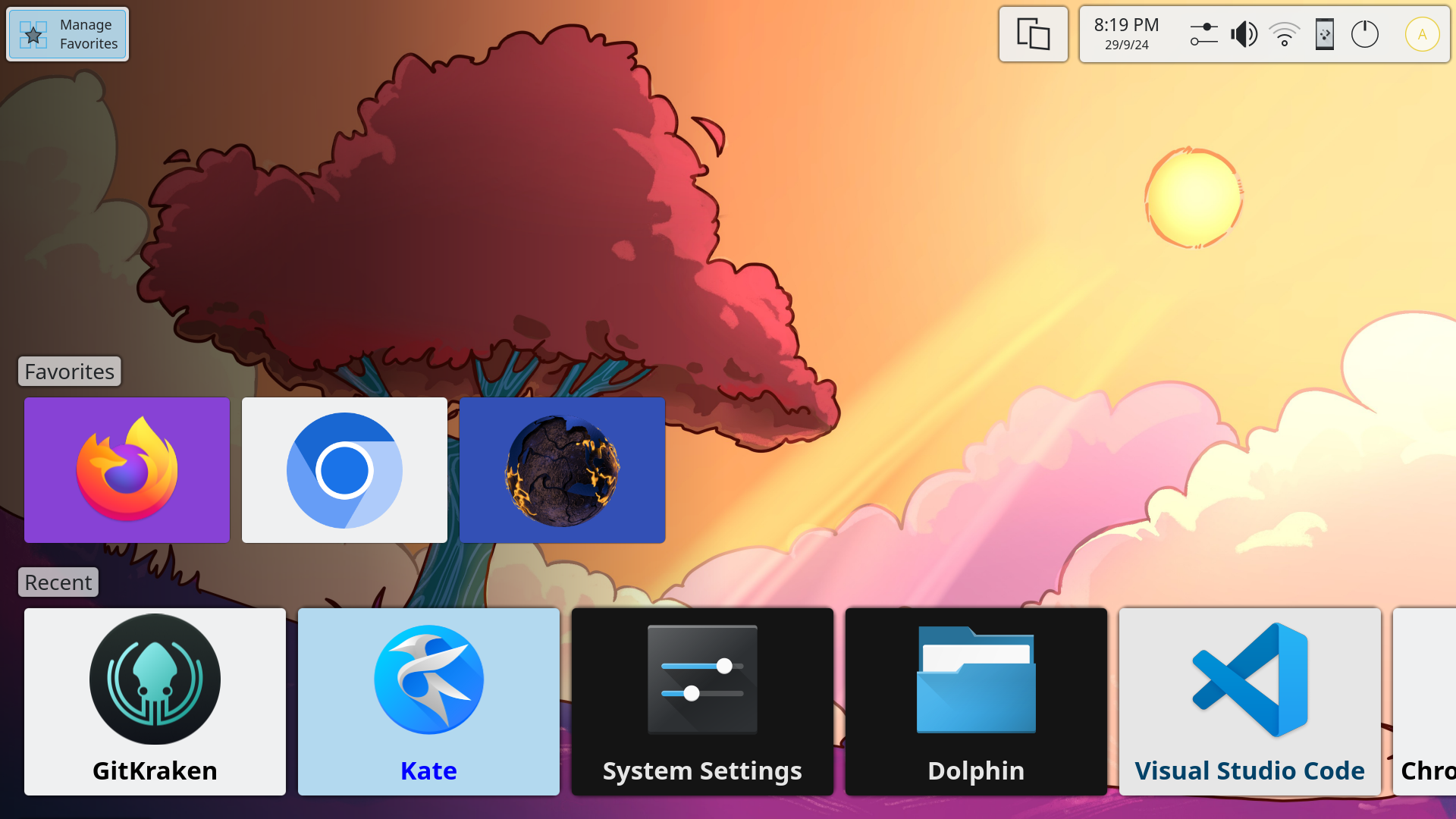
TV-Friendly Interface
Control your computer from the couch. Launch apps, change settings, and switch between running applications, all through an interface designed for the big screen.
Multiple Input Methods
Navigate with your TV remote via CEC, a game controller, a keyboard and mouse, or even your phone via KDE Connect.
Flexible And Customizable
Based on the most flexible desktop in the world, your TV truly becomes your own. Install apps, tweak and customize the entire system to your liking.
Fully Open Source
Built on open-source technologies like KDE Plasma, KWin, KDE Frameworks, Qt, and Kirigami. Browse our source code on KDE Invent.
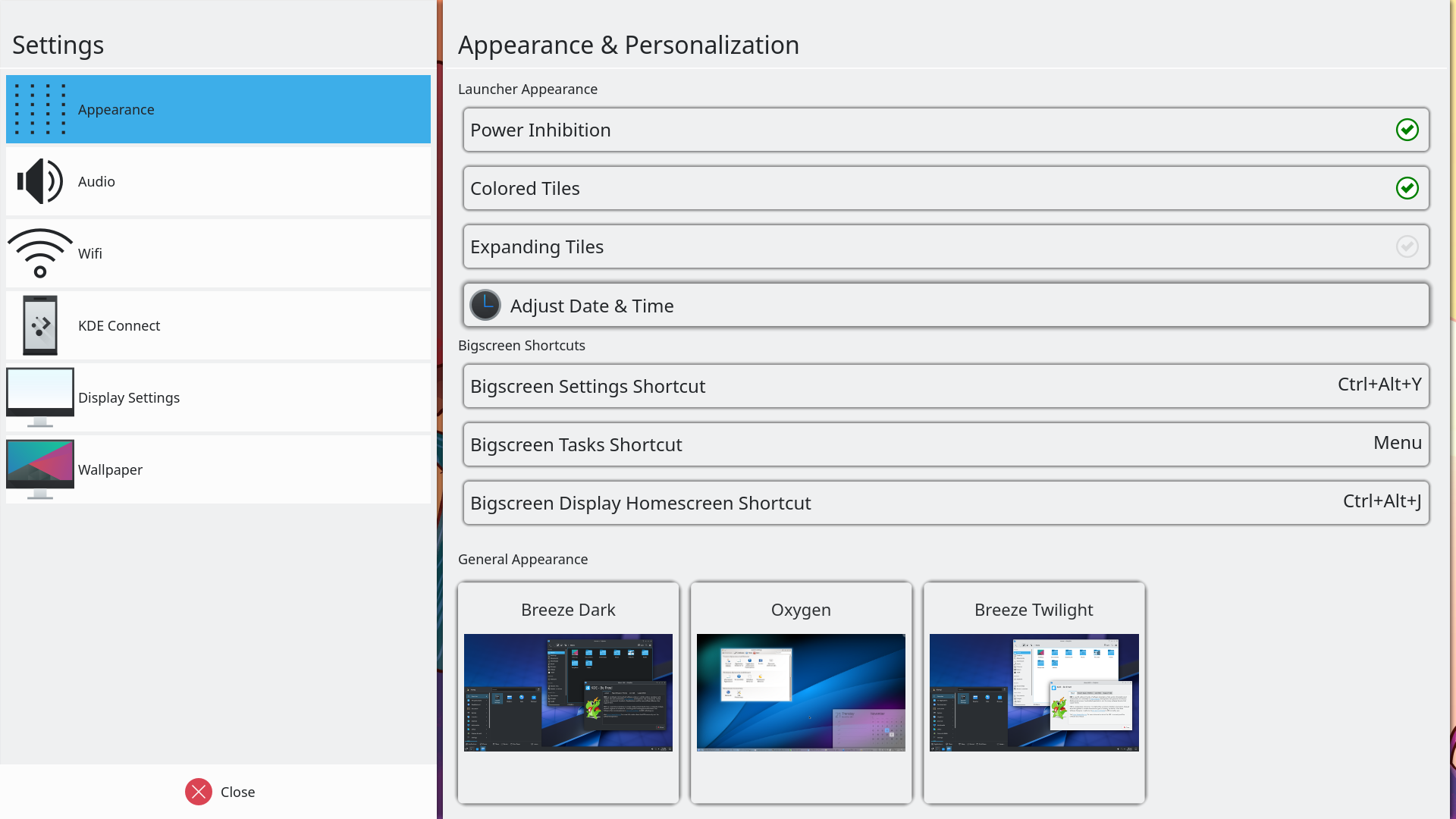
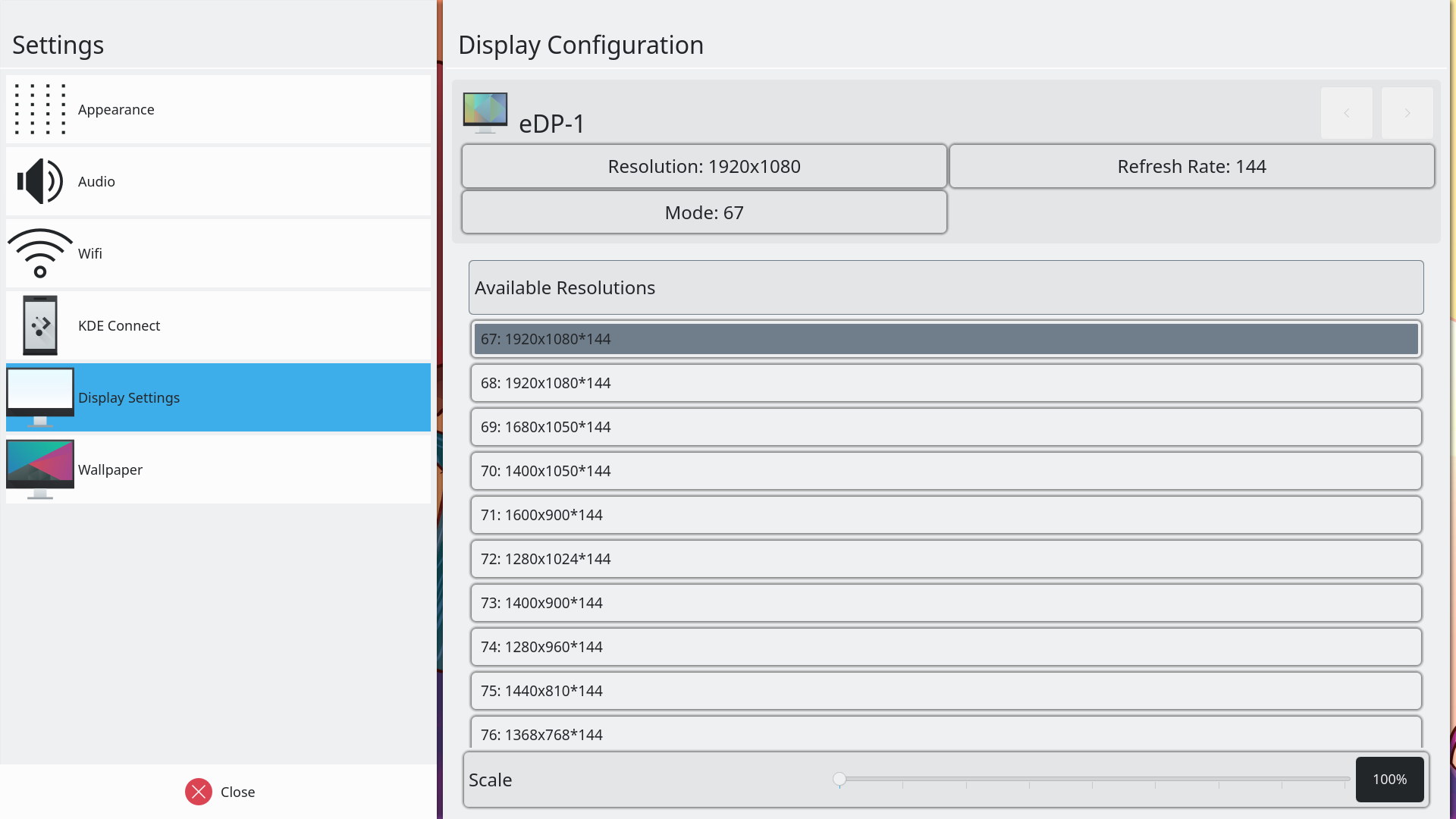
TV-Friendly Settings
Manage your system right from the couch. Plasma Bigscreen includes a full settings app built for the big screen, letting you configure display, network, appearance, and more, all navigable with a TV remote or game controller.
Your Favorite Linux Apps
Enjoy apps like Steam, Kodi, Jellyfin, YouTube (via VacuumTube) and thousands more on your TV. Install them through your Linux distribution's package manager or browse the vast catalog on Flathub.
Built on an open stack
Plasma Bigscreen leverages the modern Linux desktop stack and can be installed as a standard desktop environment on Linux distributions.
Always Within Reach
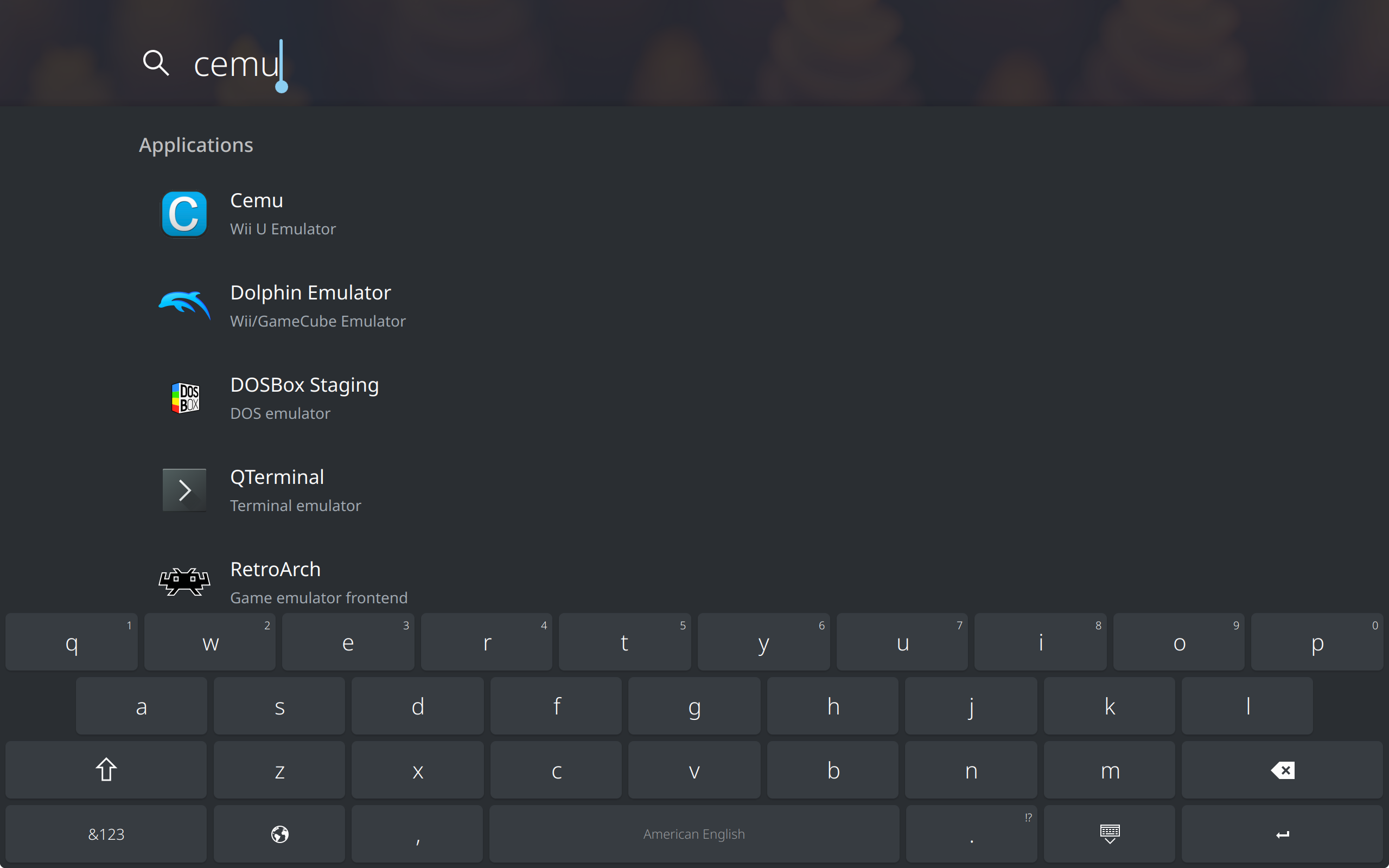
Press the home button from anywhere to bring up the home overlay, a convenient sidebar that lets you search for apps, open settings, jump back to the homescreen, or switch between running apps. Everything you need is just one button press away.
Make It Yours
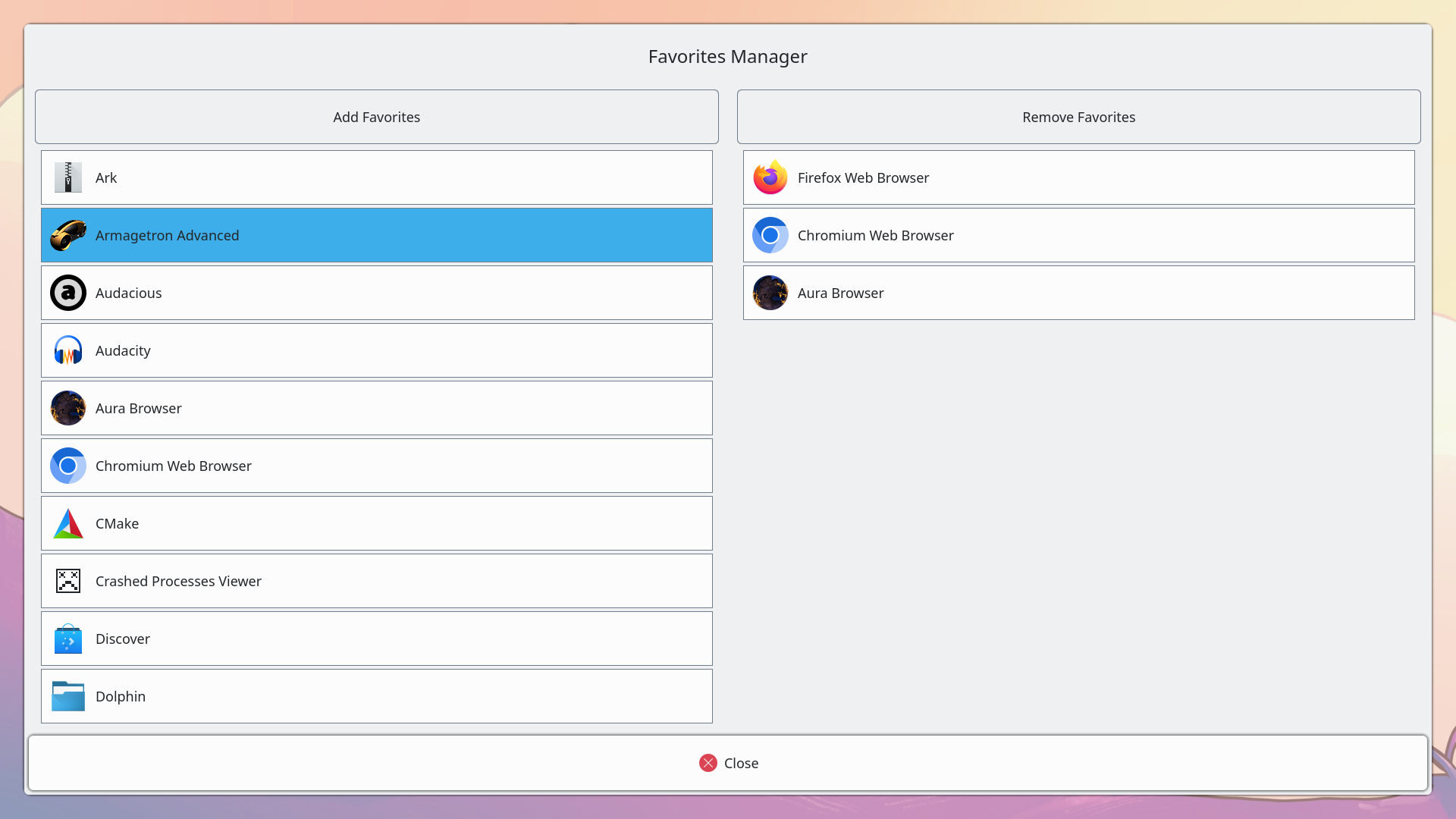
Personalize your homescreen to match your style. Rearrange apps, choose your favorite wallpaper, tweak color schemes, and adjust the layout. Plasma Bigscreen puts you in control of how your TV looks and feels.
Why?
The most common offerings on TVs and set-top boxes lack openness and trust. In a world of walled gardens, we want to create a platform that respects and protects the user's privacy to the fullest. We want to provide a fully open base which others can help develop and use for themselves, or in their products.
Built by the Community
Plasma Bigscreen is developed by open-source volunteers from the KDE community. Anyone can contribute, whether it's code, design, translations, or testing. The next contributor could be you! Get involved.
Ready to try Plasma Bigscreen?
Get started with your own open-source TV experience today, or help make it even better.