Usage
Homescreen
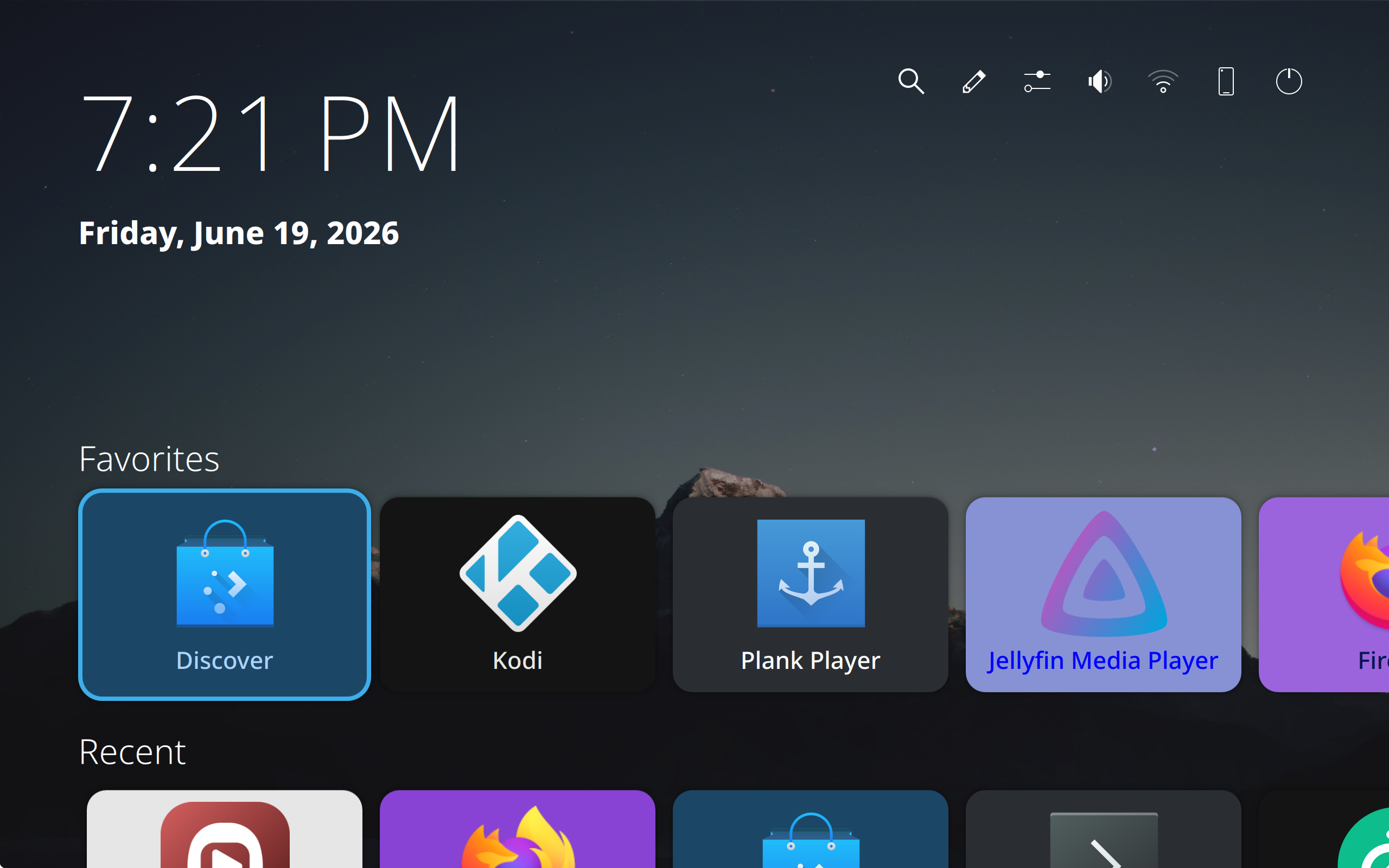
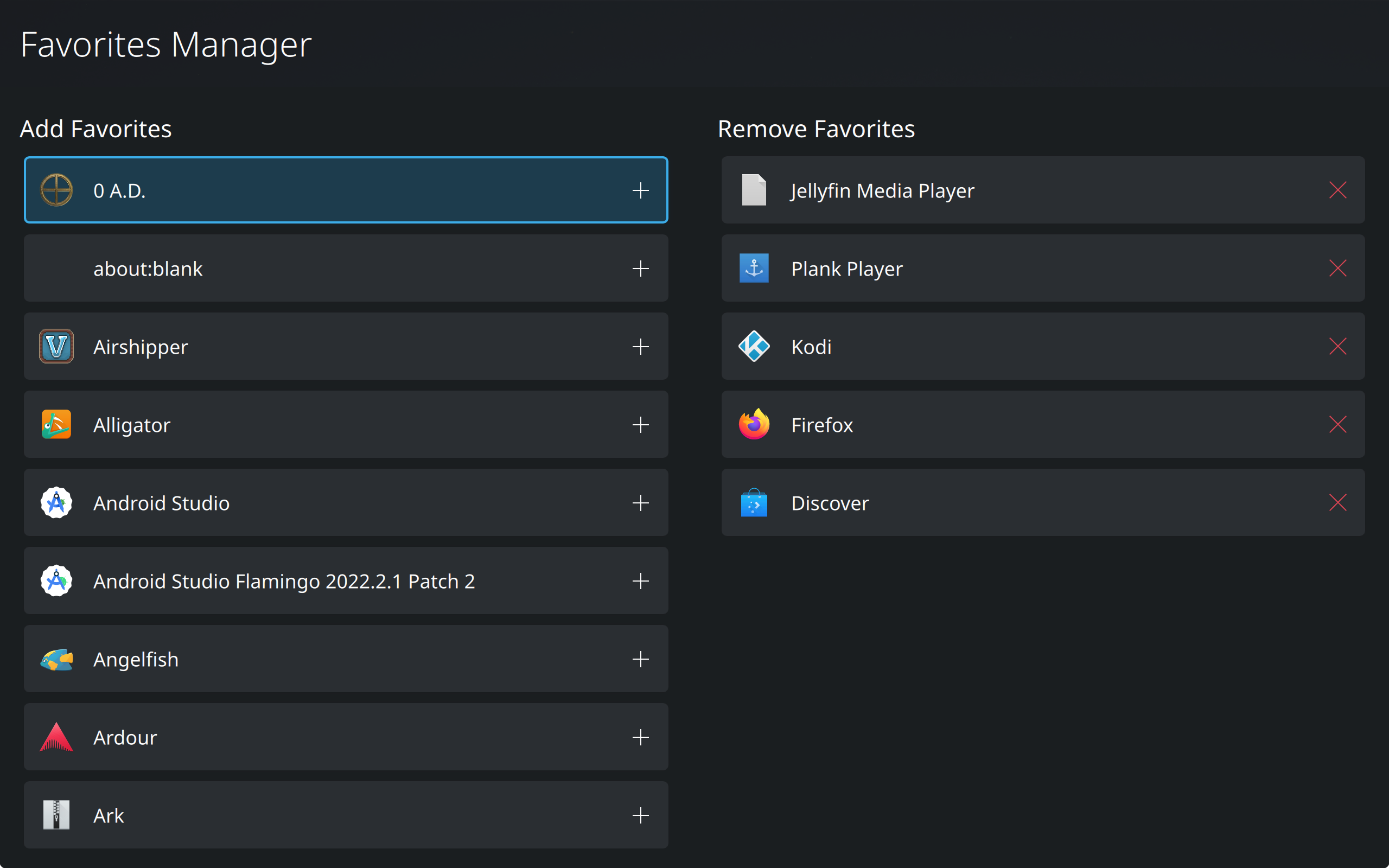
The homescreen is where you first land, providing a way to open applications and pin favorite ones to the top.
Home Overlay
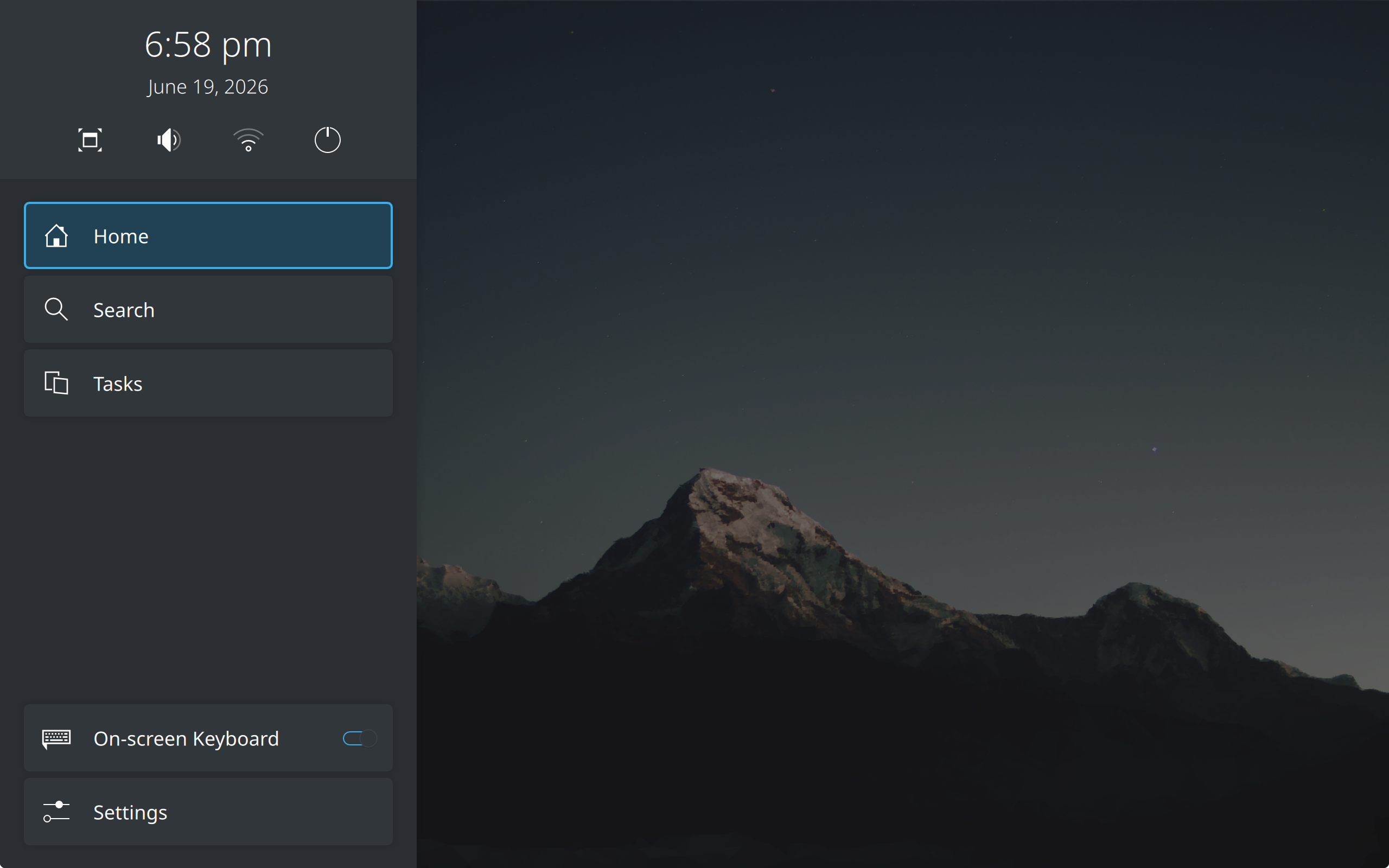
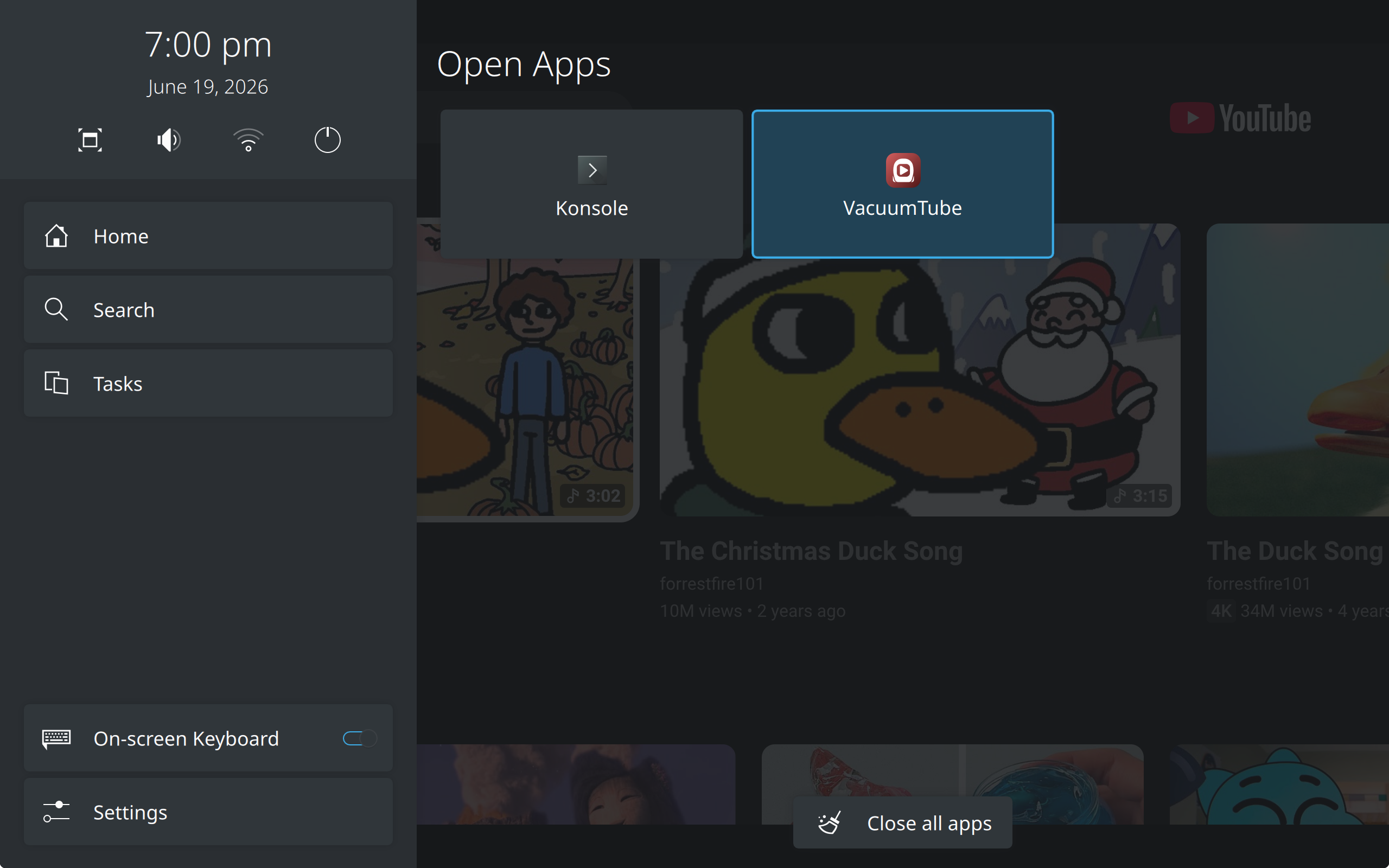
At any time, you can invoke the Home Overlay sidebar to go home, switch between apps, close apps, and perform some basic actions (ex. take a screenshot).
By default, you can invoke the Home Overlay with:
- Meta + O (configurable in Settings -> System)
- Guide button (controller)
Search
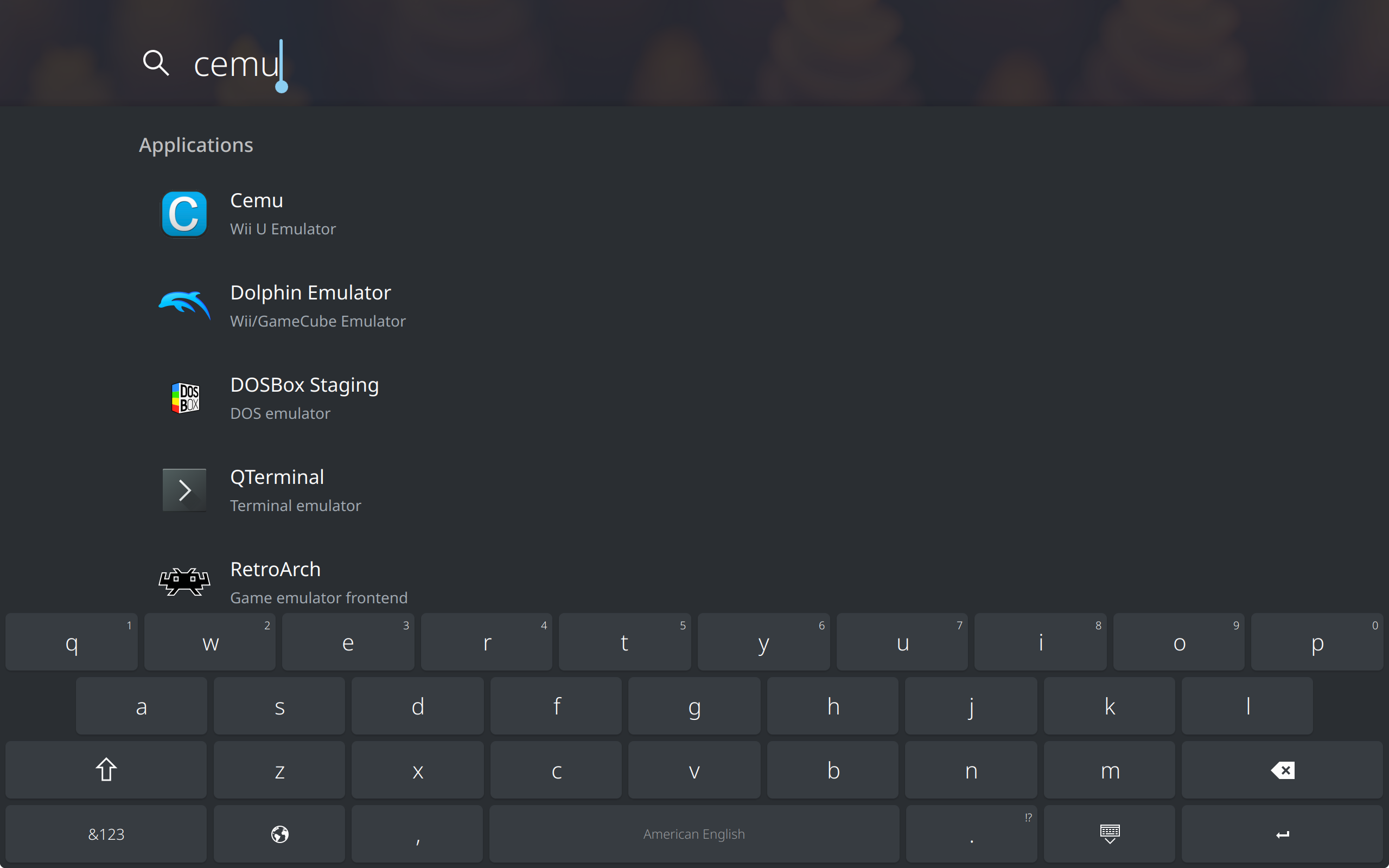
The system search is powered by KRunner. You can open this view from the Homescreen or Home Overlay.
Settings
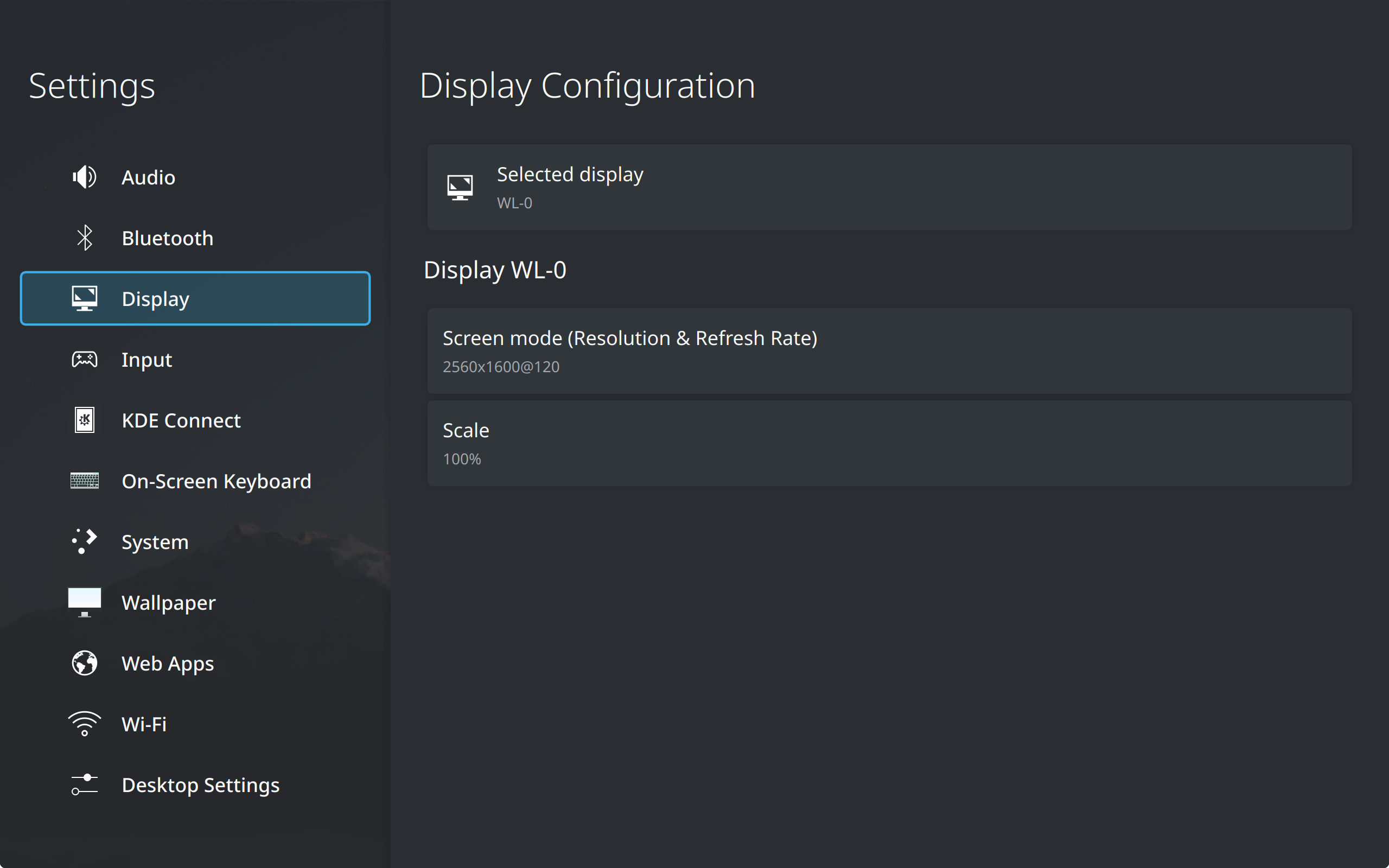
The Settings app contains TV-optimized settings modules for configuring your system.
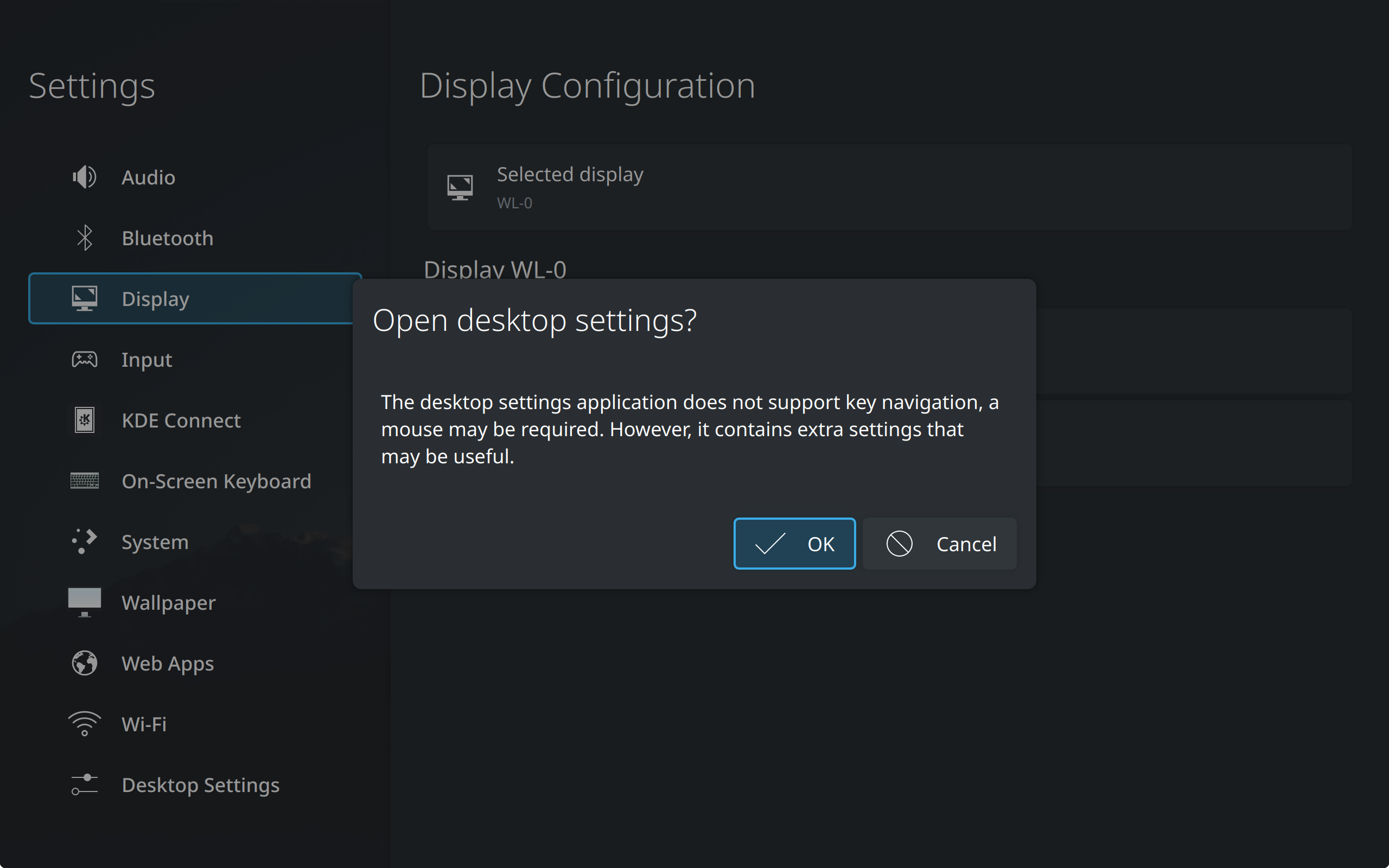
Some settings may not yet be supported for configuring directly in a TV-friendly settings module. Install Plasma Desktop's settings app (systemsettings), and then open it from the sidebar instead.