Sarrerako gailuak
Plasma Bigscreenen sistema nabigatzeko era asko daude.
Teklatua ⌨️
Devices that act as a keyboard (real keyboards, bluetooth air remotes, etc.) will provide the most straightforward experience.
Tekla garrantzitsuenak:
- Gezi-teklak (ezker, eskuin, gora, behera) - Nabigatu
- Ihes/Atzera - Joan atzera
- Sartu/Itzulbira - Hautatu
You find 3rd-party tools such as input-remapper useful for rebinding keys (especially for bluetooth remotes).
Joko kontrolagailua 🎮
Game controller support on Linux is a bit tricky, because applications generally access the input interfaces directly and not through the compositor (KWin). This means that it's possible for controllers events to be received by multiple applications at once, without them knowing of each other.
Plasma Bigscreen provides an input daemon (plasma-bigscreen-inputhandler) that can translate game controller events into keyboard & mouse events.
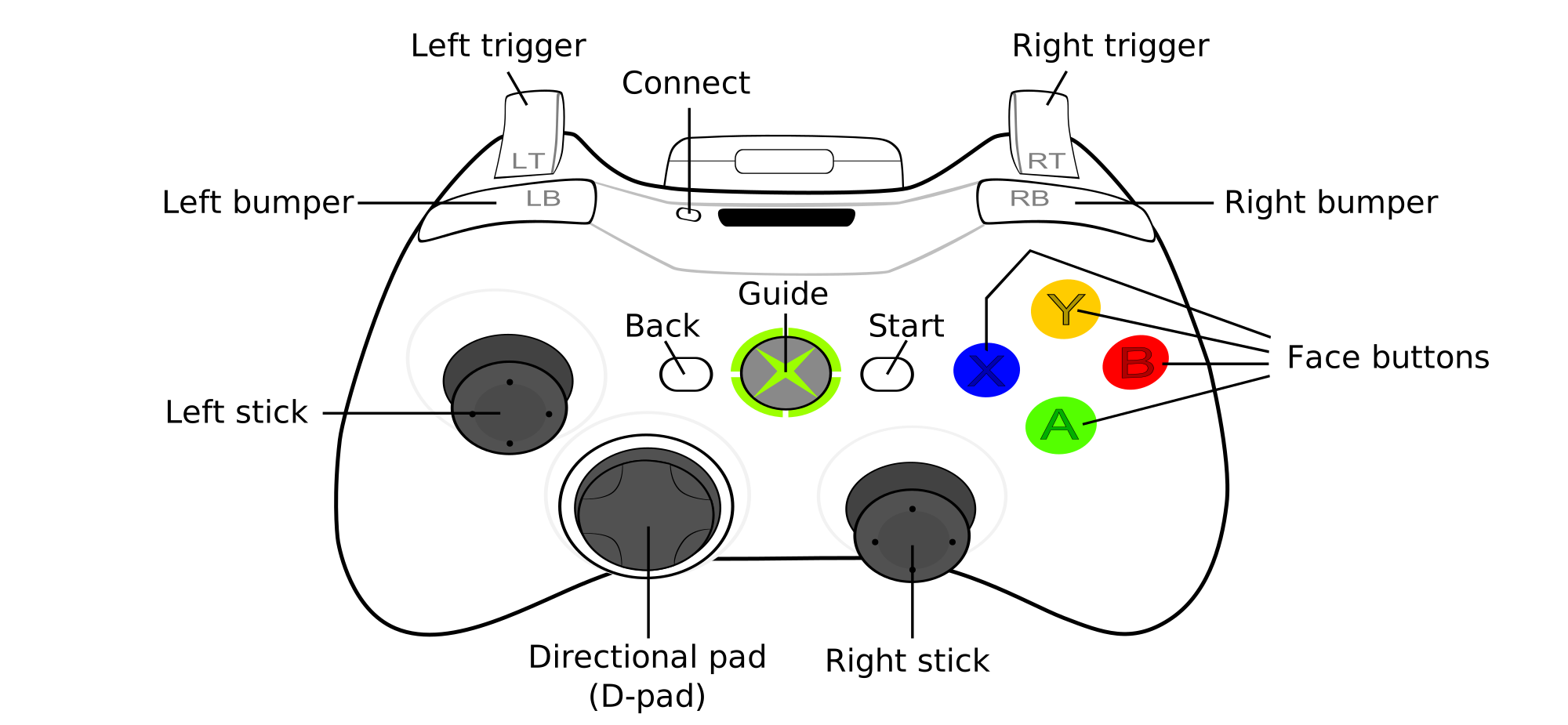
Button mappings (Xbox controller naming):
- A - Sartu
- B - Atzera/Ihes
- D-pad - Arrow key navigation
- Left joystick - Arrow key navigation
- Left joystick button - Left click
- Right joystick - Mouse control
- Right joystick button - Right click
- Guide - Meta key
- Start - Games key
Input suspension
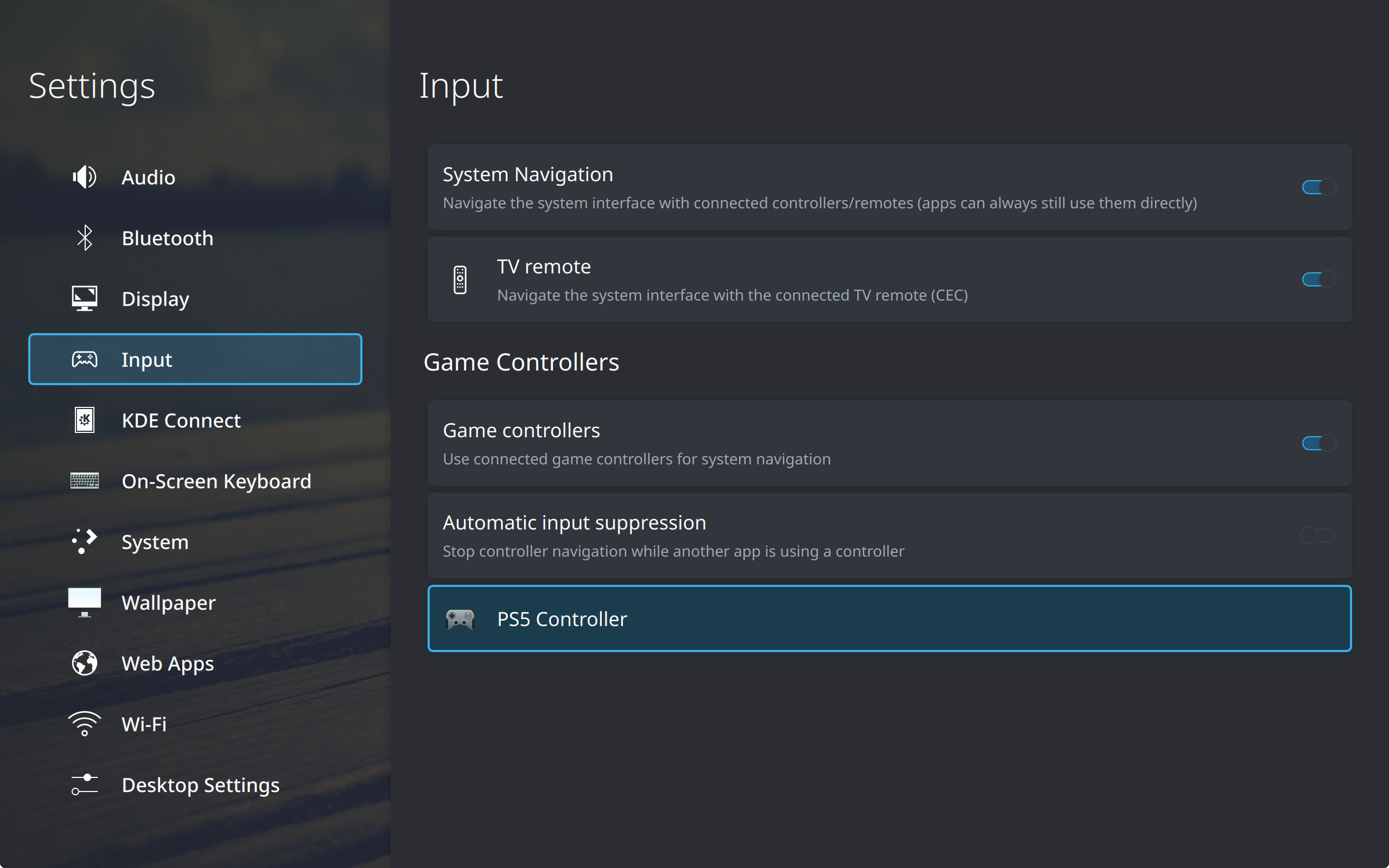
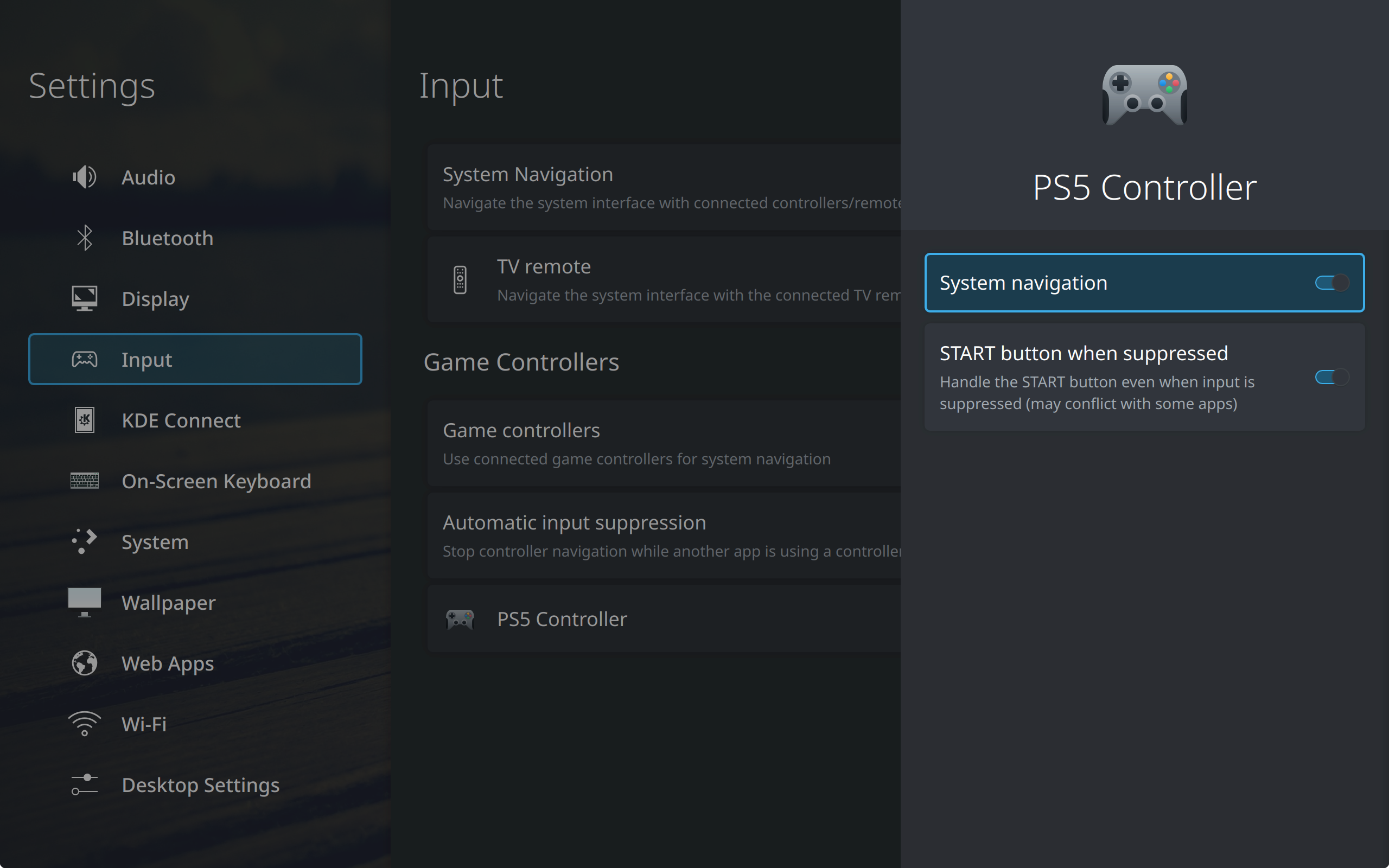
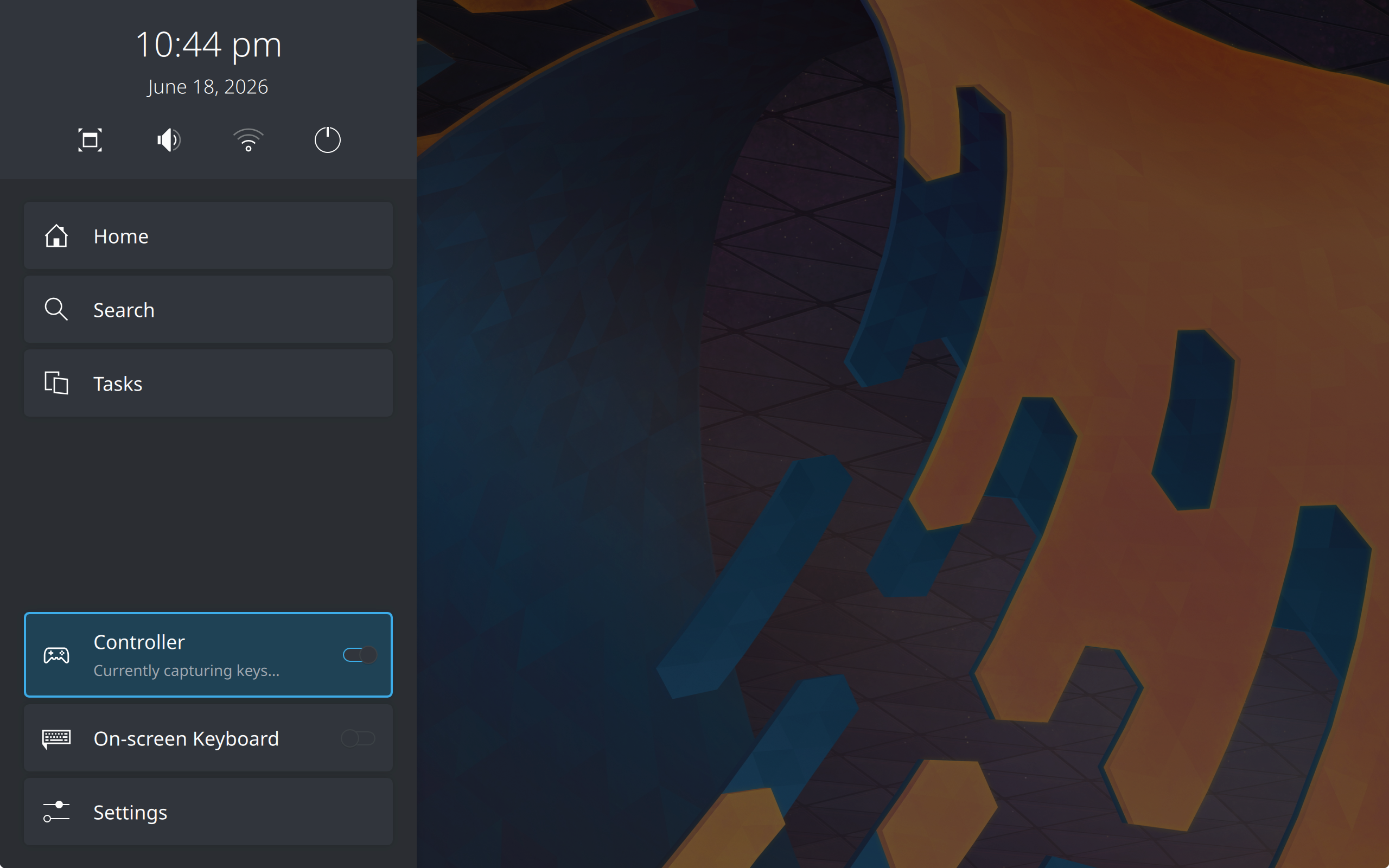
When applications are detected to be reading controller input, Plasma Bigscreen can suppress controller handling, preventing double events appearing in the app. This is toggleable in the sidebar and settings.
By default, the Guide key still works even during controller suppression to open the home overlay sidebar. This can be toggled in the settings.
Telebistako urruneko agintea 📺
Through CEC over HDMI, computers can interact with and receive events from TVs! This includes receiving buttons from TV remotes directly.
Note: most computers do not support CEC directly, you may need to use an adapter.
However, there are many problems and inconsistencies to how TV manufacturers may have implemented CEC for their respective TVs. Commonly, the "back" and "home" buttons cannot be mapped and are taken directly by the TV for use. This makes Plasma Bigscreen unusable.
We therefore recommend buying third party remotes in this case (ex. air remotes) that are used only for the computer hosting Plasma Bigscreen, if possible.
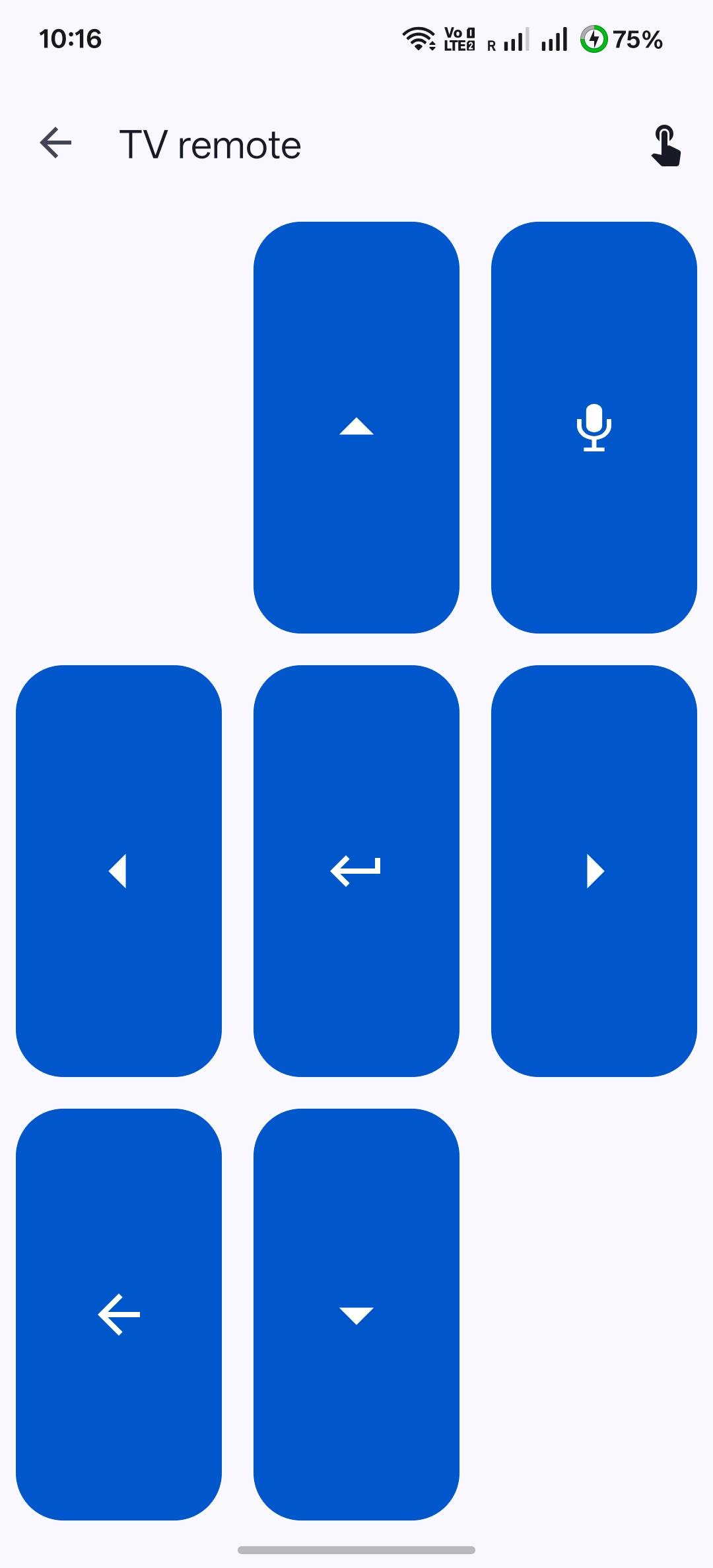
Telefonoa (KDE Connect) 📱
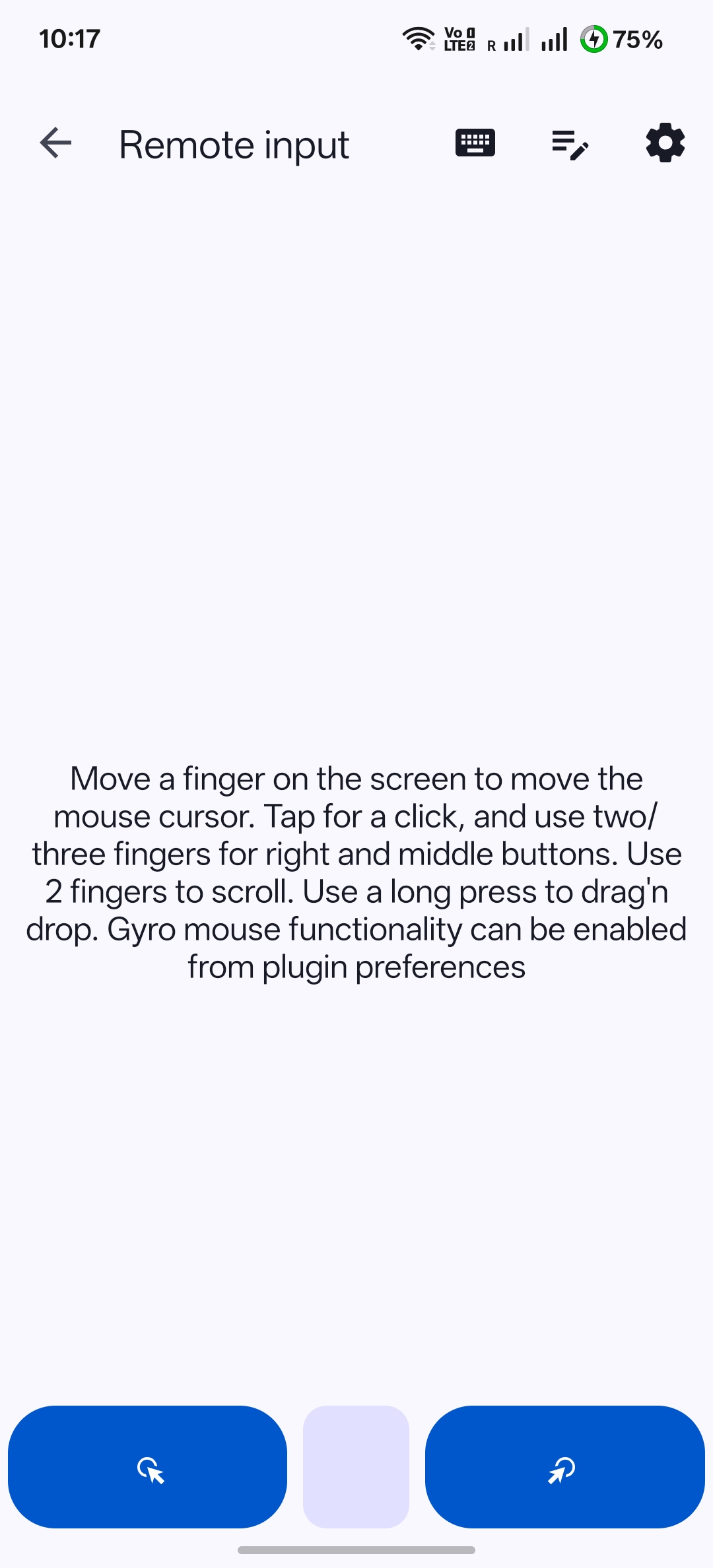
You can pair your phone with Plasma Bigscreen via KDE Connect. The app allows for both TV remote control and full mouse/keyboard access remotely, making it an easy option without needing new hardware.