התקני קלט
יש מגוון דרכים לנווט במערכת פלזמה למסכים גדולים
מקלדת ⌨️
התקנים שמתנהגים כמו מקלדת (מקלדות אמיתיות, שלטי בלוטות׳ קטנים ועוד) יספקו את החוויה הכי פשוטה שיש.
המקשים החשובים ביותר הם:
- מקשי חיצים (שמאלה, ימינה, למעלה, למטה) - ניווט
- Esc/Back - לחזור אחורה
- Enter/Return - בחירה
You find 3rd-party tools such as input-remapper useful for rebinding keys (especially for bluetooth remotes).
בקר משחק 🎮
Game controller support on Linux is a bit tricky, because applications generally access the input interfaces directly and not through the compositor (KWin). This means that it's possible for controllers events to be received by multiple applications at once, without them knowing of each other.
פלזמה למסכים גדולים מספקת סוכן קלט (plasma-bigscreen-inputhandler) שיכול לתרגם אירועי בקרי משחק לאירועי מקלדת ועכבר.
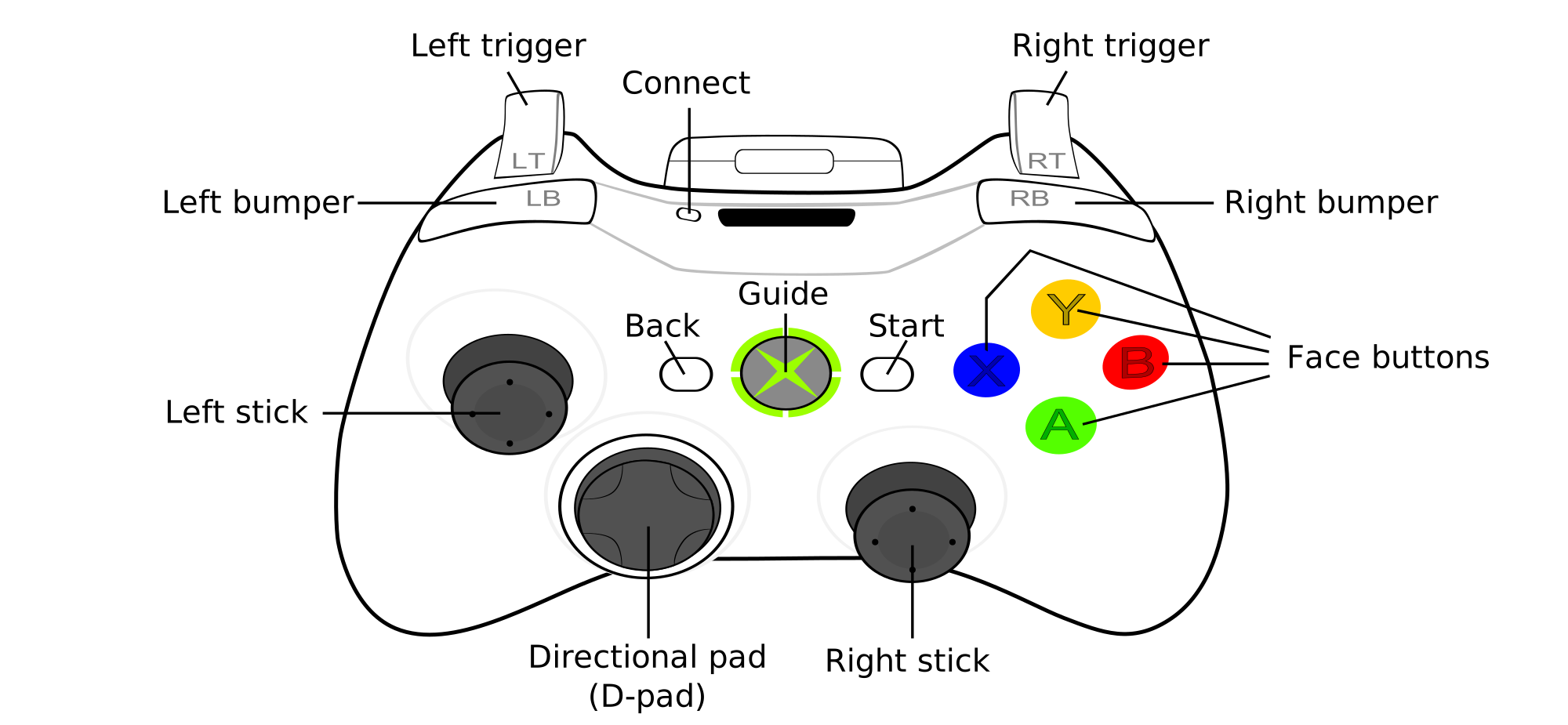
מיפוי כפתורים (לפי השמות בבקרים של Xbox):
- A - Enter
- B - Back/Esc
- D-pad - Arrow key navigation
- שמאלה בג׳ויסטיק - ניווט עם מקשי חיצים
- כפתור שמאלי בג׳ויסטיק - לחיצה שמאלית
- ימינה בג׳ויסטיק - שליטה בעכבר
- כפתור ימני בג׳ויסטיק - לחיצה ימנית
- מדריך - כפתור מטא
- התחלה - כפתור משחקים
השהיית קלט
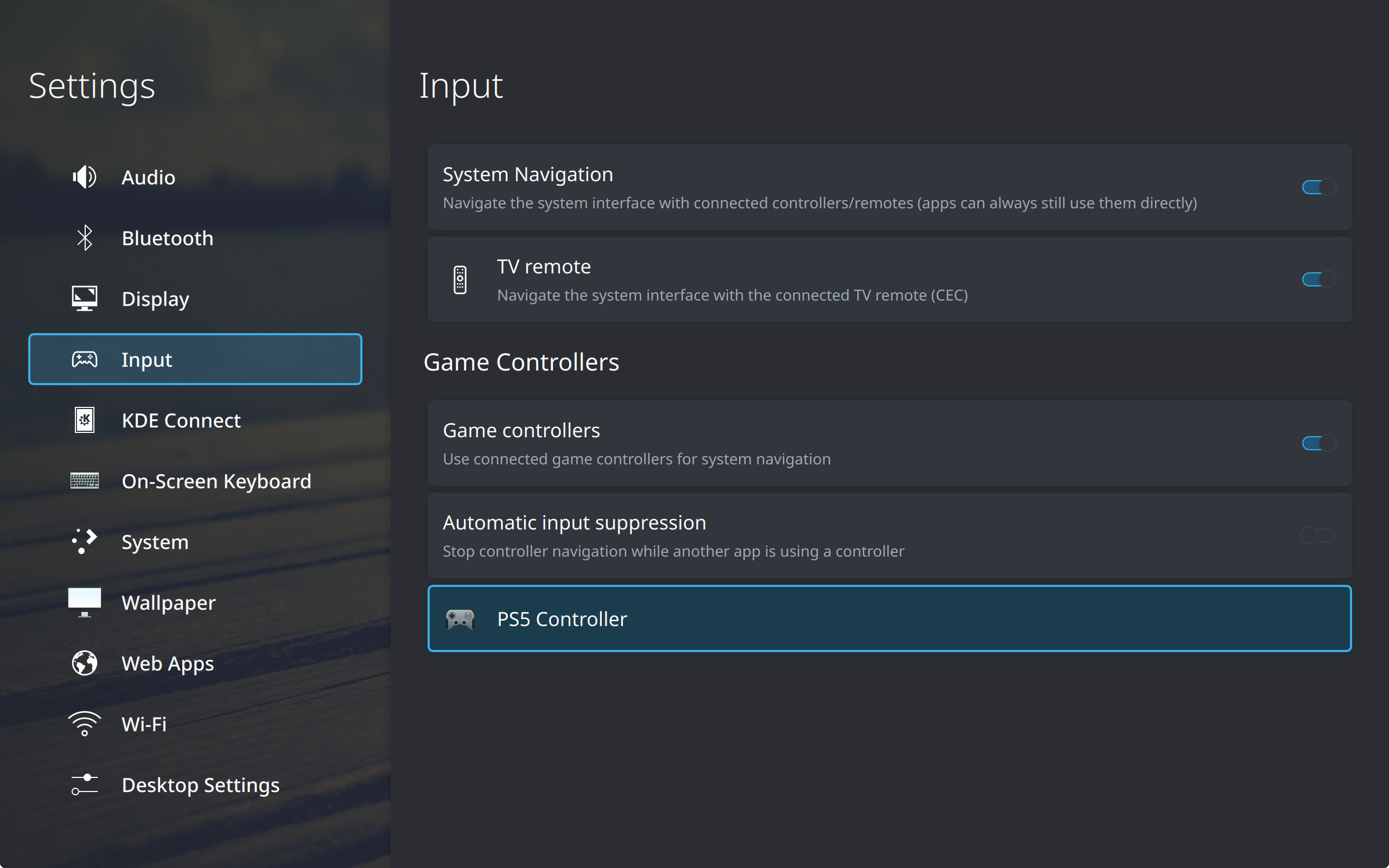
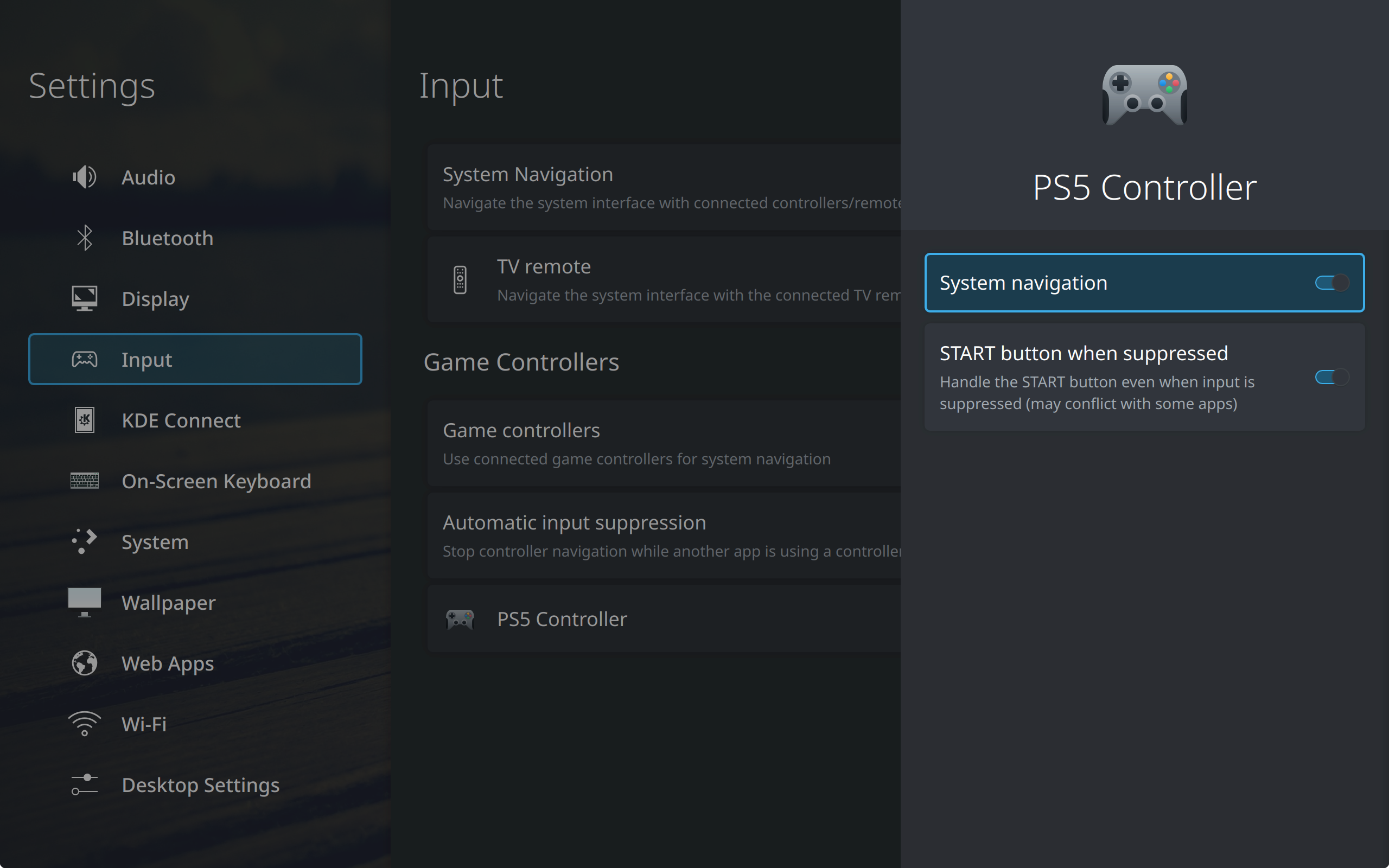
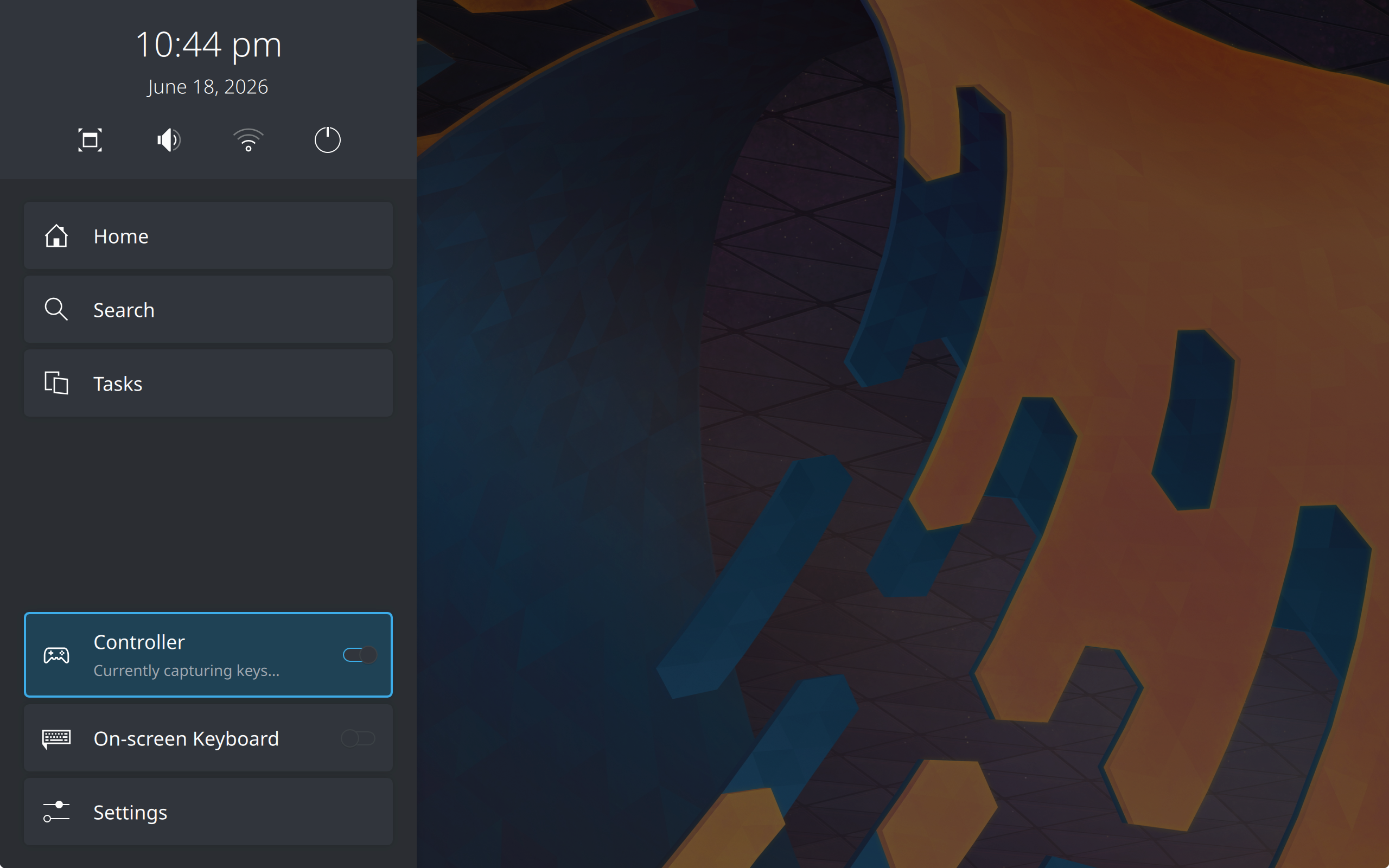
לאחר זיהוי שיישומים קראו לקלט בקר, פלזמה למסכים גדולים יכולה למנוע טיפול בבקר, מה שמונע הופעת אירועים כפולים ביישום. אפשר לשנות את המצב הזה בסרגל הצד ובהגדרות.
By default, the Guide key still works even during controller suppression to open the home overlay sidebar. This can be toggled in the settings.
שלט לטלוויזיה 📺
דרך CEC על גבי HDMI, מחשבים יכולים לתפעל ולקבל אירועים מטלוויזיות! כולל קבלת לחיצות כפתורים משלטים של טלוויזיות ישירות.
לתשומת ליבך: רוב המחשבים לא תומכים ב־CEC ישירות, יכול להיות שצריךממיר.
עם זאת, ישנן בעיות וחוסר תאימות בנוגע לאיך שיצרנים מימשו CEC בטלוויזיות שלהם. בדרך כלל אי אפשר למפות את הכפתורים „חזרה” ו**„בית”** והם תפוסים ישירות לשימוש הטלוויזיה. זה מצב שהופך את פלזמה למסכים גדולים לבלתי שמישה.
לכן אנחנו ממליצים לקנות שלטים מספקי צד־שלישי במקרים כאלה (למשל: שלטי אוויר) שמשמשים רק למחשב שמפעיל את פלזמה למסכים גדולים, אם ניתן.
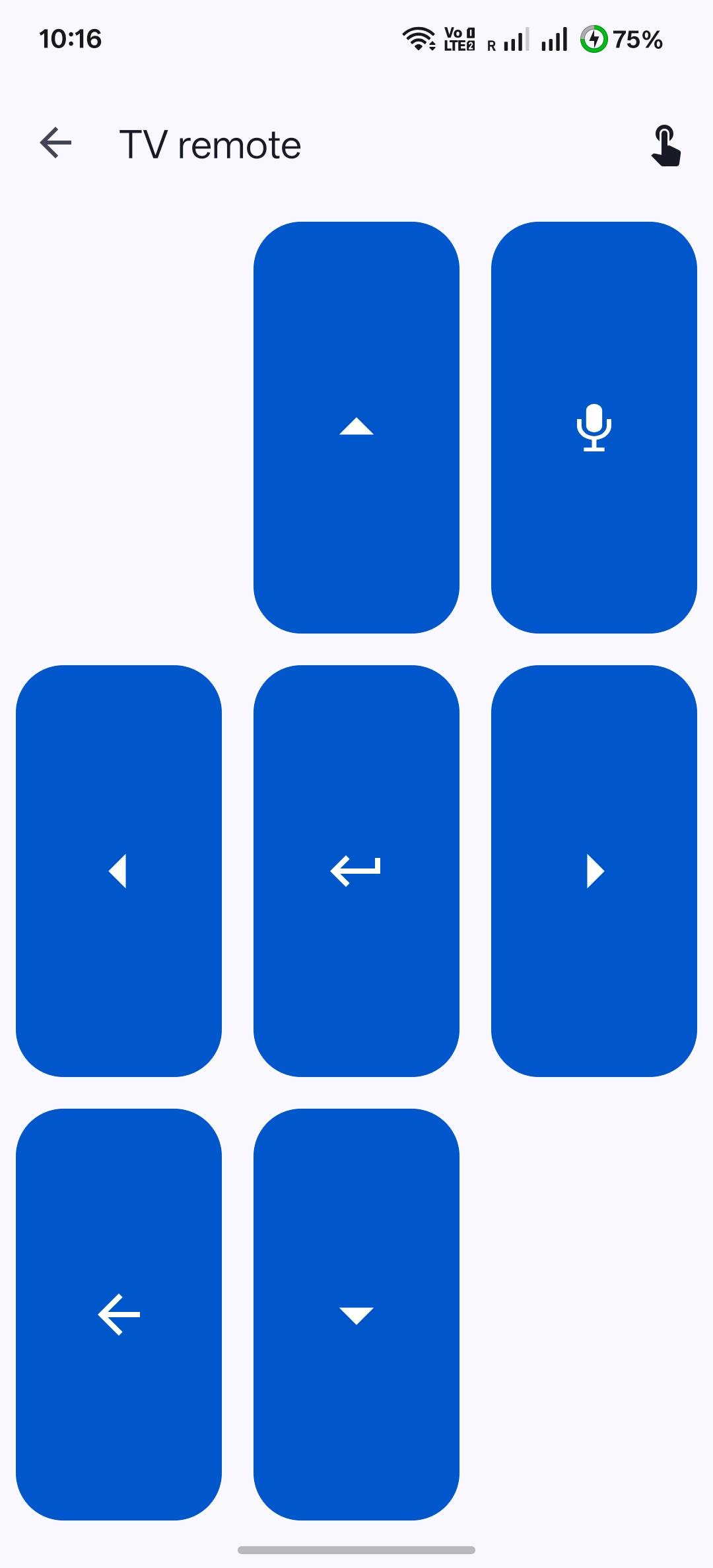
טלפון (KDE Connect) 📱
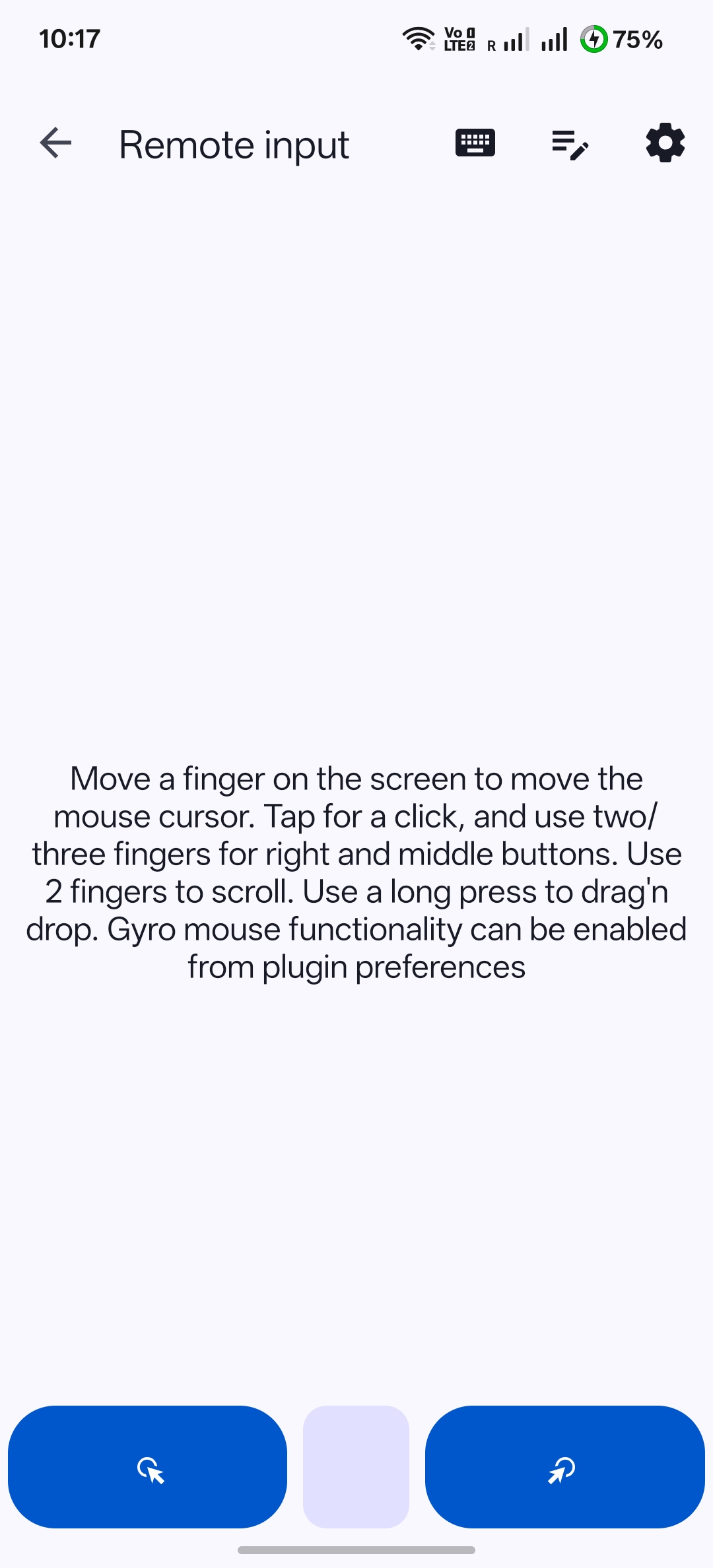
אפשר לצמד את הטלפון שלך עם פלזמה למסכים גדולים דרך KDE Connect. היישום מאפשר שליטה גם דרך שלט של טלוויזיה וגם גישה של עכבר/מקלדת מרחוק, מה שהופך אותו לאפשרות פשוטה ללא צורך בחומרה חדשה.